NFC tags are simple: phone touches tag, page opens. But how often that happens depends almost entirely on where the tag sits. Here is what we have learned from setting tags up in cafes, shops and salons.
Put it where people pause
People tap when they have a spare moment. Good spots are wherever customers wait or linger:
- On the counter next to the card reader or tip jar.
- On the table, near the centre, where a phone naturally rests.
- At a salon station mirror or reception desk.
- On the pickup shelf for takeaway orders.
Keep it in reach and in sight
The tag should be visible from where the customer stands or sits, and reachable without leaning over anything. A tag behind the counter, on a high shelf or beside the door on the way out will be ignored.
Mind what is underneath
NFC does not like metal. A tag stuck directly onto a metal table, fridge or shelf may read poorly. Stick it to wood, glass, plastic or stone instead, or ask us about tags designed for metal surfaces. Our tags use a strong 3M adhesive, so make sure the surface is clean and dry before you press it down.
One clear job per tag
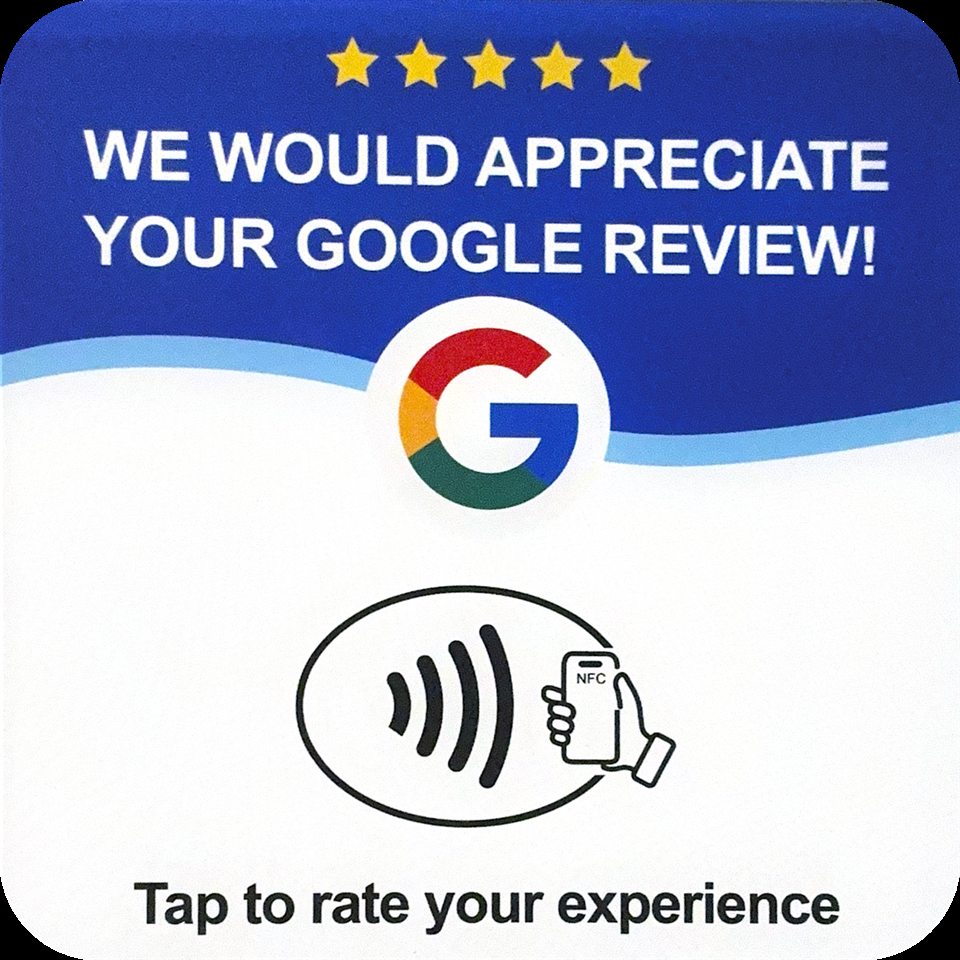
A tag that says what it does gets tapped. "Tap to order", "Tap for menu" or "Tap to leave a review" is better than a logo on its own. Do not try to make one tag do everything.
For restaurants: one tag per table
Ordering tags work best with one per table, each numbered so orders go to the right place. Place it in the same spot on every table so regulars know where to look.
Test it before opening
Once your tags are down, tap each one with an iPhone and an Android phone. Check that the right page opens and that table numbers match. It takes five minutes and saves a lot of confusion on a busy night.